How to Use PROPER, UPPER, and LOWER in Excel
Introduction
Text often comes into Excel in the wrong format. Some entries are in all caps, others are lowercase, and some are inconsistent. Instead of fixing them manually, Excel has three functions that handle capitalization for you: PROPER, UPPER, and LOWER.
What is PROPER?
The PROPER function capitalizes the first letter of each word. The syntax is:
=PROPER(text)
- text: The text string or cell reference to convert.
PROPER in Action
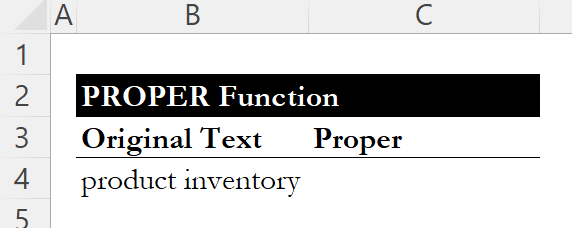
Consider the following text in cell B4: "product inventory"
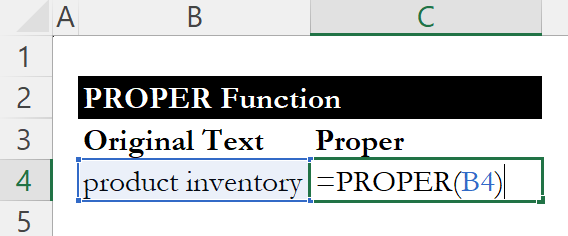
=PROPER(B4)
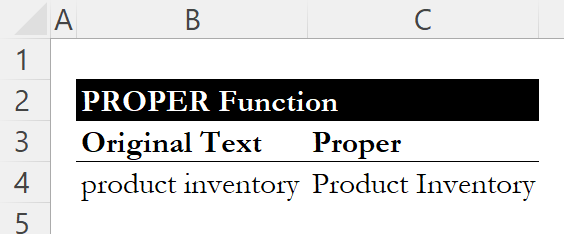
Result: Product Inventory
What is UPPER?
The UPPER function converts all text to uppercase. The syntax is:
=UPPER(text)
- text: The text string or cell reference to convert.
UPPER in Action
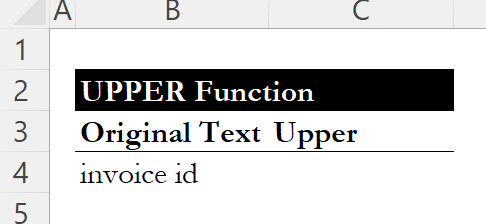
Consider the following text in cell B4: "invoice id"
=UPPER(B4)
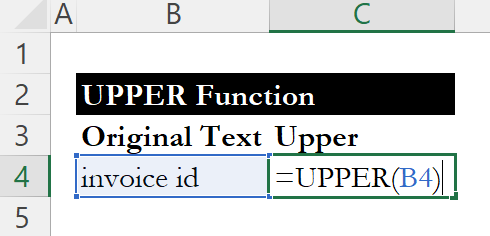
Result: INVOICE ID

What is LOWER?
The LOWER function converts all text to lowercase. The syntax is:
=LOWER(text)
- text: The text string or cell reference to convert.
LOWER in Action
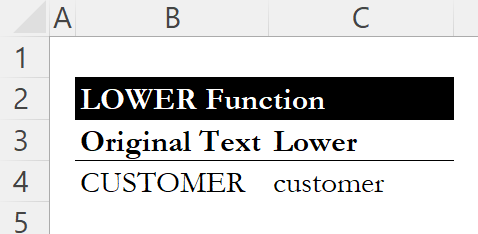
Consider the following text in cell B4: "CUSTOMER"

=LOWER(B4)
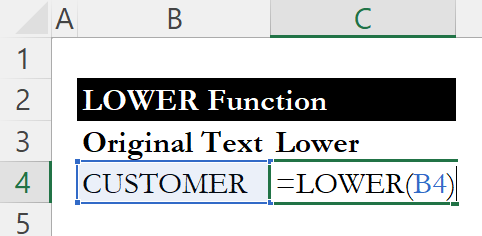
Result: customer
Conclusion
These functions quickly fix capitalization issues in Excel and make your text consistent without manual edits. They work well for cleaning up imported data, standardizing names, or preparing reports for sharing.
For another way to clean up your data, check out our guide on TEXTJOIN to combine text from multiple cells with custom delimiters.
Learn Excel by doing
Bite-sized lessons, drills, and daily challenges to build real spreadsheet skills.