Interactive analyst training.
For your first years in banking and consulting: Excel, the fundamentals, and AI interview prep.
5.0 on the App Store · 17 ratings
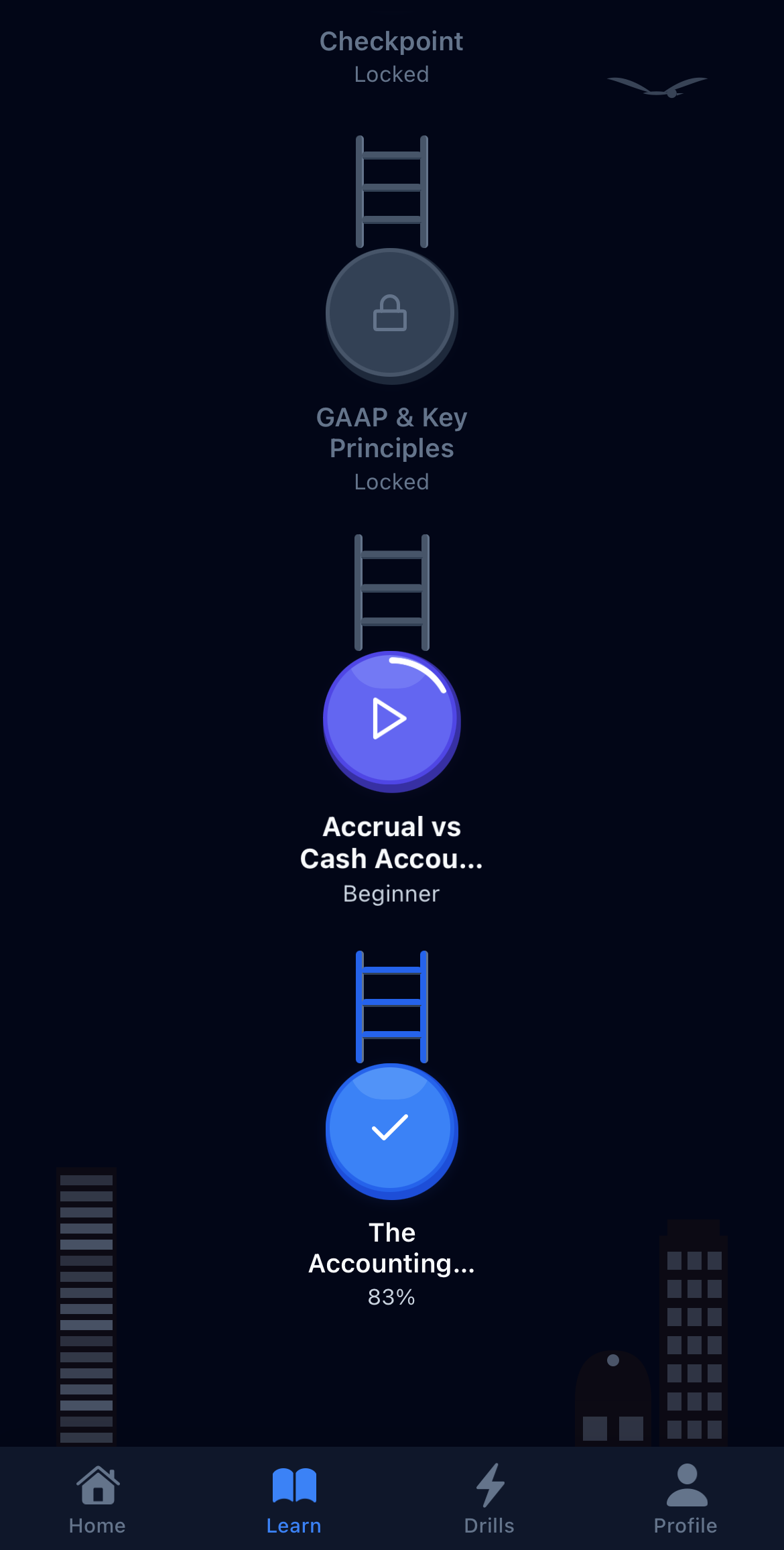
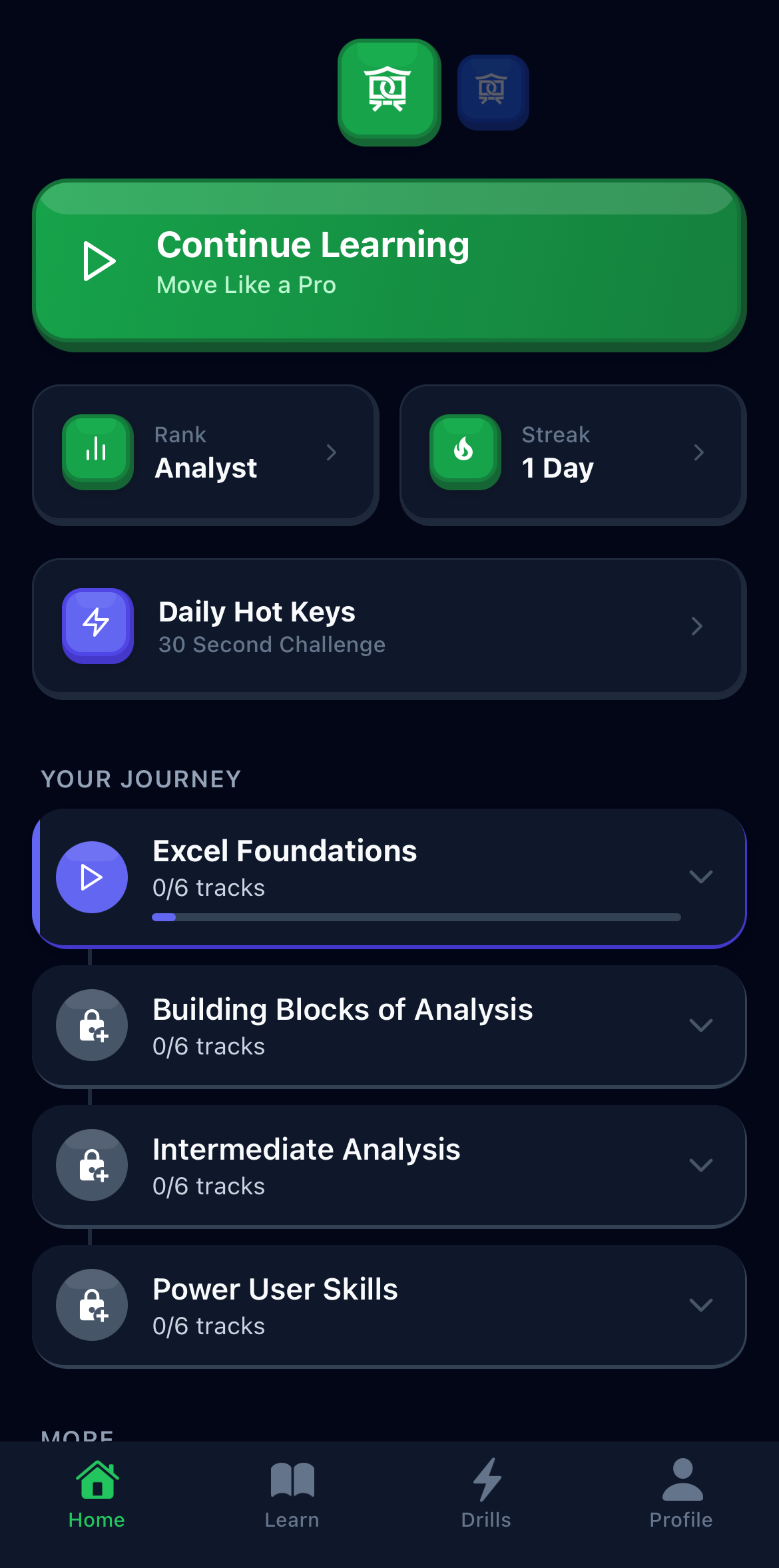
For your first years in banking and consulting: Excel, the fundamentals, and AI interview prep.
5.0 on the App Store · 17 ratings
Read income statements, balance sheets, and cash flow statements
Discount cash flows, evaluate projects, and understand capital structure decisions
Understand risk and return, asset pricing models, and what drives stock prices
Work through bonds, interest rates, options, and derivatives
Add up columns, calculate averages, and move around a spreadsheet quickly
Filter to show only what matters, sort any way you need, summarize with pivot tables
Extract months from dates, clean up messy text, highlight cells that need attention
Look up data across sheets, build formulas that update automatically
160 lessons across Excel and Finance, four worlds each. Finish a world, earn a certificate (Pro).
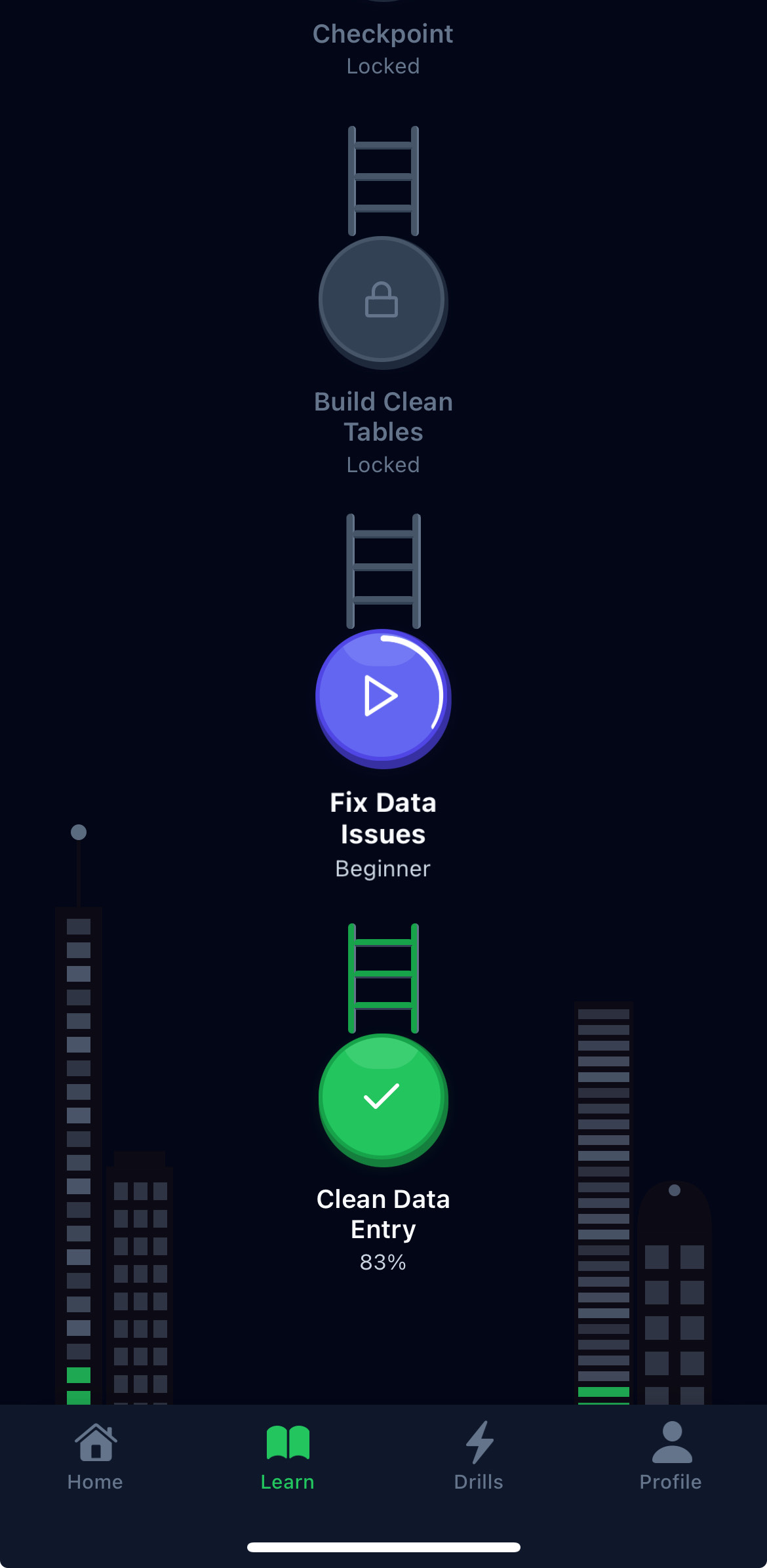
Bite-sized lessons that teach one concept at a time
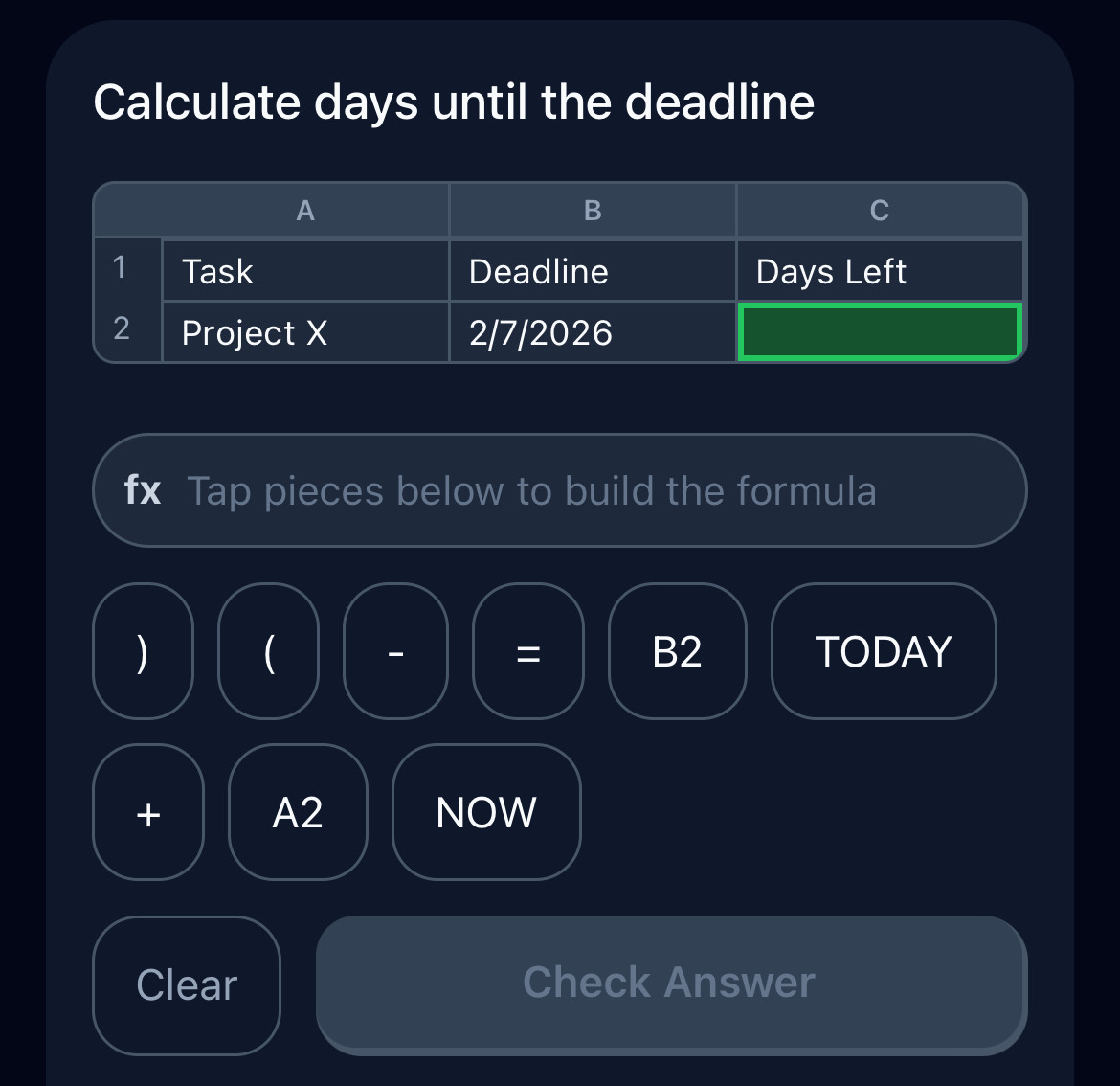
Practice shortcuts and formulas until they stick
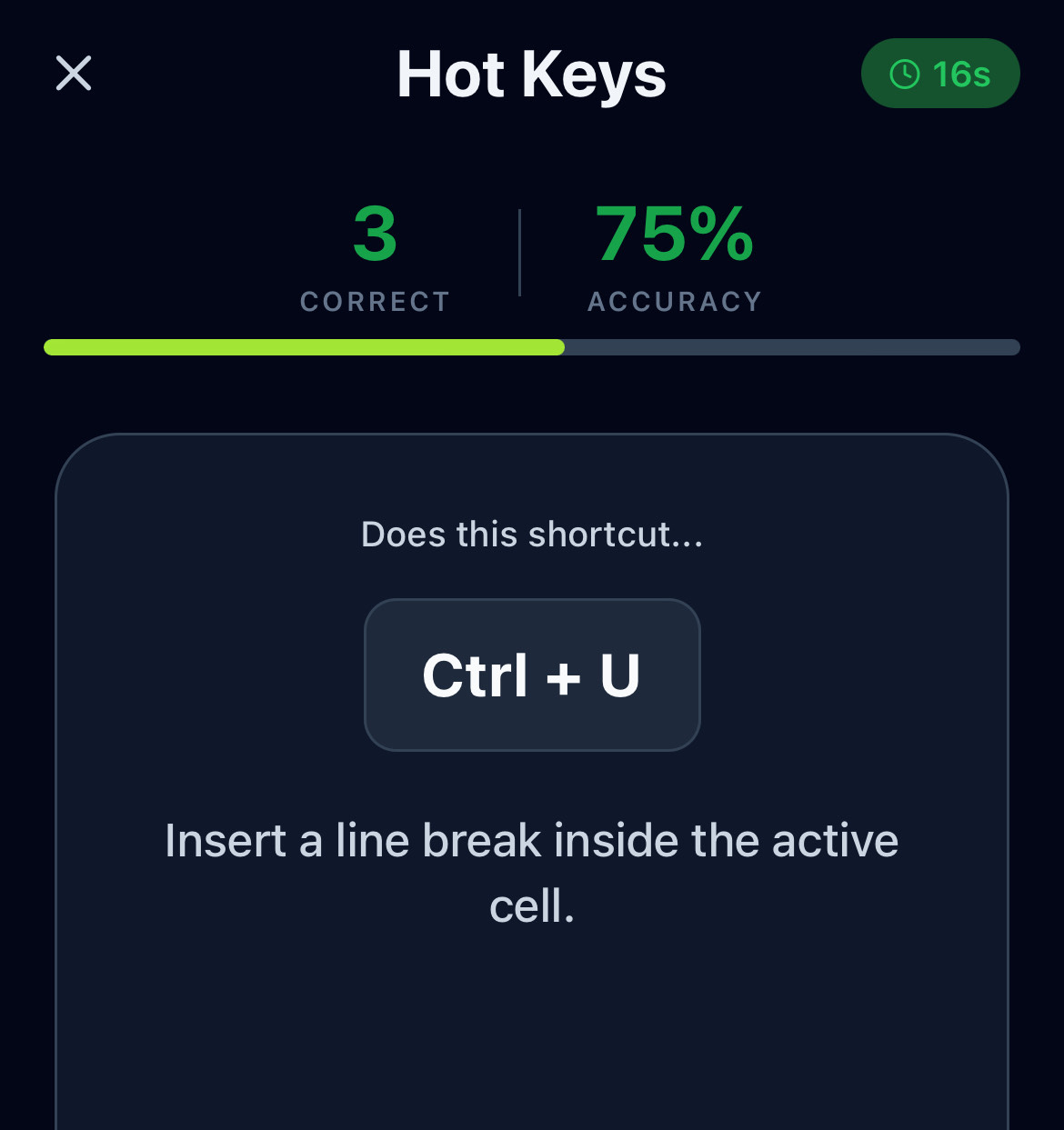
30-second daily games: Excel hot keys, finance concepts
Swipe for more
An AI interviewer for banking and consulting that never warms up and adapts to your responses. It summarizes how you did and what to work on next.
Start free. Go Pro for the full Excel and Finance library, or add Interview Prep.
Does not include Interview Prep.
Inside the Desk Dojo app. Separate subscription. Cancel anytime.
No. Desk Dojo is a standalone learning app. Practice on your phone, then apply what you learn when you're at your computer.
Two learning modules, Excel (formulas, shortcuts, pivot tables, dynamic arrays) and Finance (accounting, corporate finance, markets, fixed income), both included in Pro. Interview Prep, covering investment banking and consulting, is its own subscription.
No. Pro covers the Excel and Finance learning modules. Interview Prep is a separate $29.99/month subscription that covers AI mock interviews for banking, case interviews for consulting, and the spoken reps, lessons, and drills for both.
Both. Excel starts with navigation and SUM, then builds to XLOOKUP and dynamic arrays. Finance starts with financial statements and builds to options and derivatives.
Each lesson takes about 5 minutes. Complete a world in a few weeks of daily practice, or go at your own pace.
Guides and tutorials on Excel, finance, and interview prep.
How to answer the most common technical question in investment banking interviews: the five-step structure, a model answer you can say in under a minute, and the follow-ups that come next.
Learn how to calculate percentage of total, percentage change, markup, and discount in Excel, plus how to avoid the most common formatting mistake.
Learn how to create dependent drop-down lists in Excel where the choices in one dropdown change automatically based on what you select in another.
Learn how to use OFFSET in Excel to create dynamic references, build rolling averages, and make ranges that expand automatically as data grows.
Learn how to read the income statement, balance sheet, and cash flow statement together to assess a company's profitability, financial health, and cash generation.
Learn how to calculate net working capital and operating working capital from a balance sheet, understand what drives working capital changes, and see how those changes affect cash flow.
Free to start.